10 free scan pages
Keep going with Scanumi Pro.
 Scanumi
PDFs, IDs & editable notes
Scan notes, receipts, forms, IDs, and passports into clean PDFs. Turn printed or handwritten pages into editable Digital Notes, right on your device.

One clear scan entry
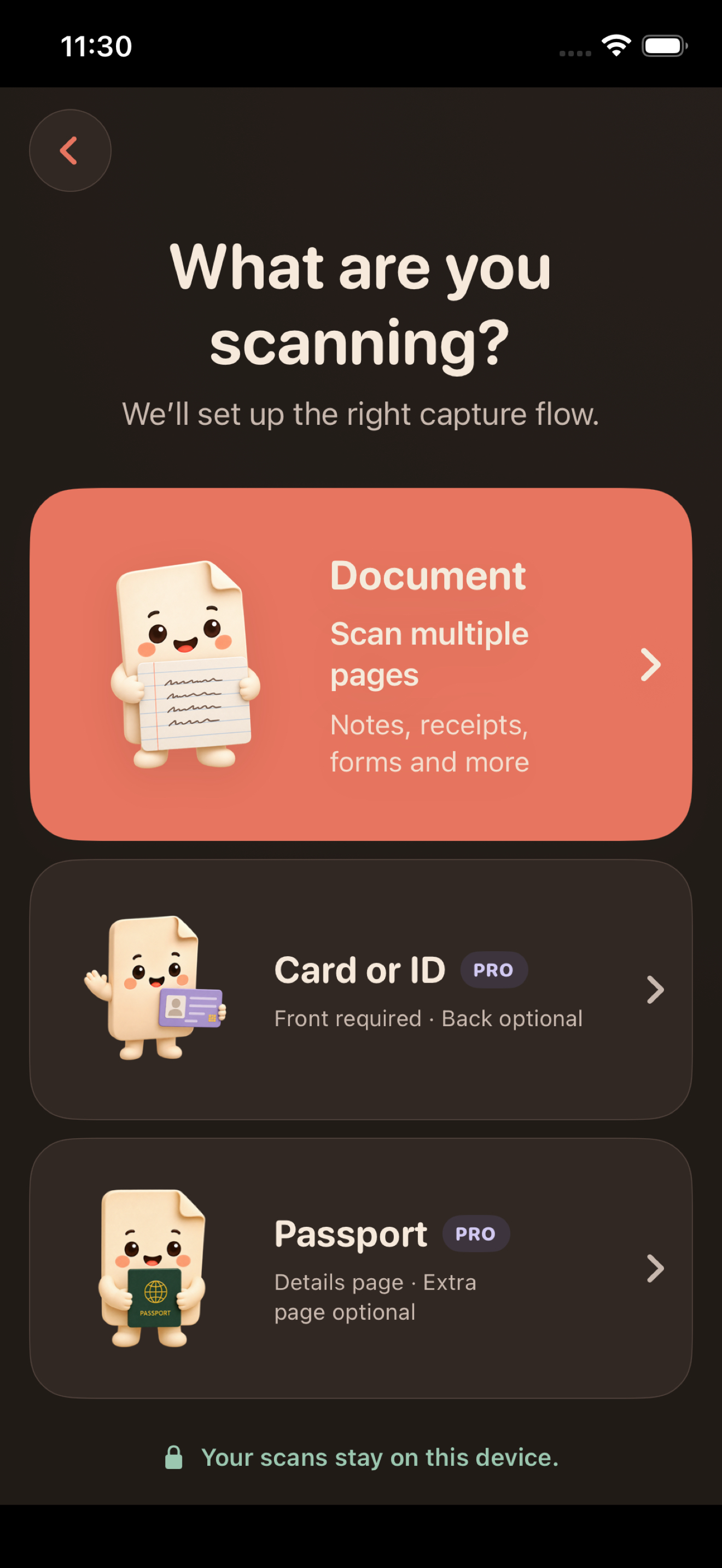
Tap Scan or import, or choose Card, ID or passport. Add document offers Camera, Photo Library, and Files & iCloud Drive. Review imported pages before saving a local copy. Special layouts keep one page or combine two with Scanumi Pro.
Scanumi captures and arranges document images. It does not verify identity or document authenticity.
Digital Notes
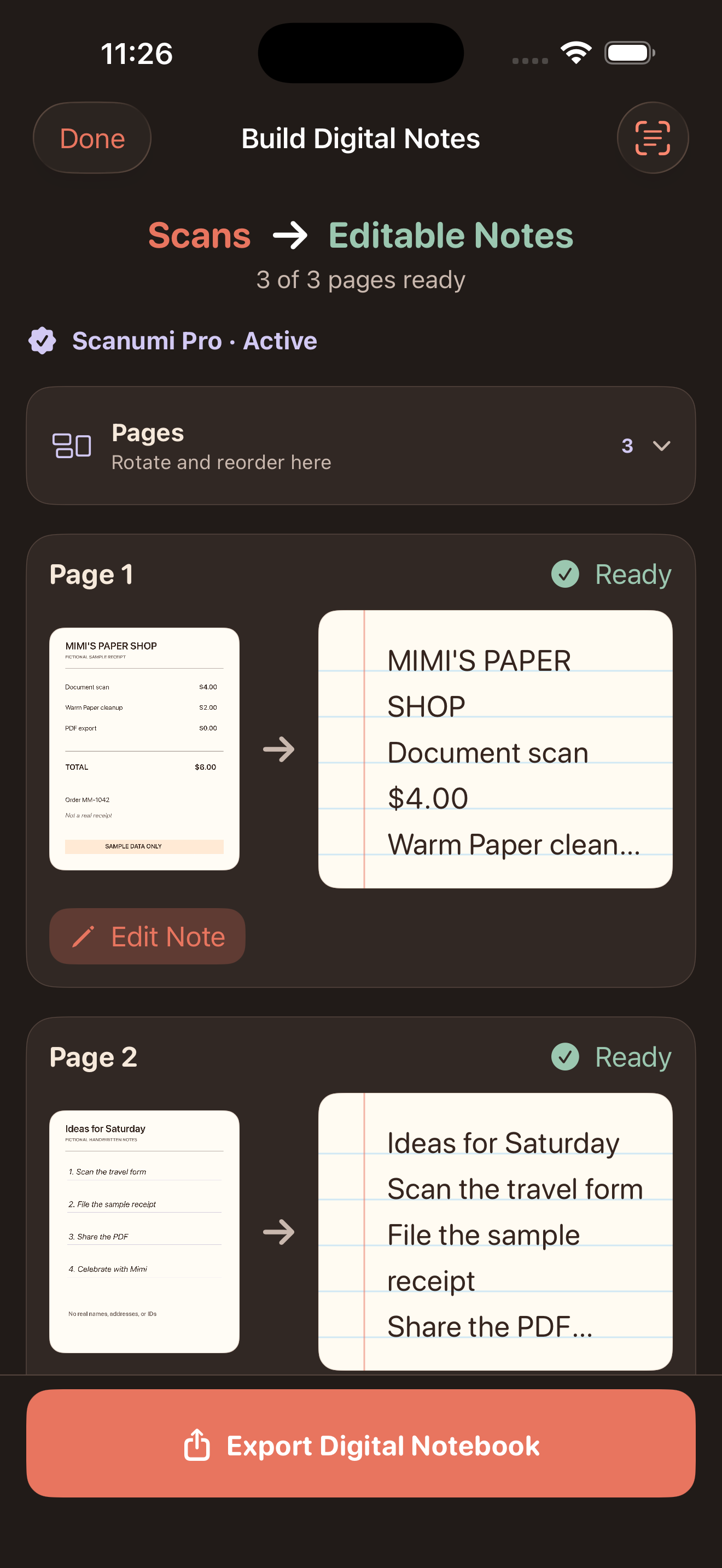
Your scan and Digital Notes stay together. Create only the notes you want, start typing to correct any word, and open the original whenever you need a reference. Edits save automatically in Scanumi.

Keep going with Scanumi Pro.
Everything is processed and stored locally.
Open the app and start scanning.
Powerful tools turn everyday paper into a clean PDF and keep it exactly where you need it.
Try every scan mode. Saved pages stay available after the limit.
Turn everyday paper into crisp, readable PDFs.
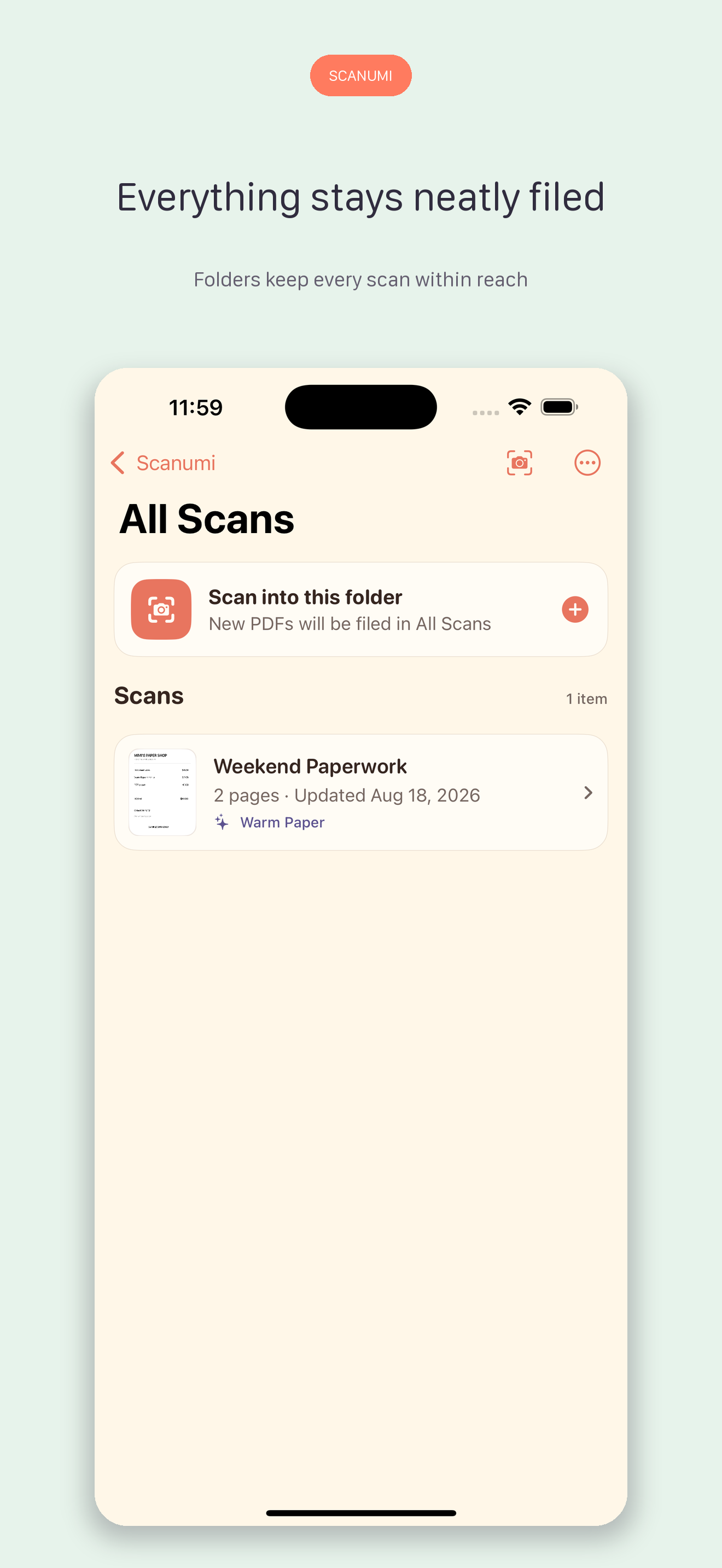
Organize scans and find them by name.
Give every exported file the right name.
Scanumi Pro
Unlock every page and every Pro tool with one simple monthly plan.

Monthly subscription
$4.99
Per month. Cancel anytime.
Try 10 scan pages and 10 Digital Notes conversions free. Separate lifetime allowances. Card, ID, and passport scanning requires Pro.
Start Scanumi ProRestore SubscriptionKeep capturing and importing after your 10 free pages.
Convert every page, edit in focus mode, and export notes with their matching scans.
Use Apple’s document camera, then arrange one or two pages on a clean PDF page.
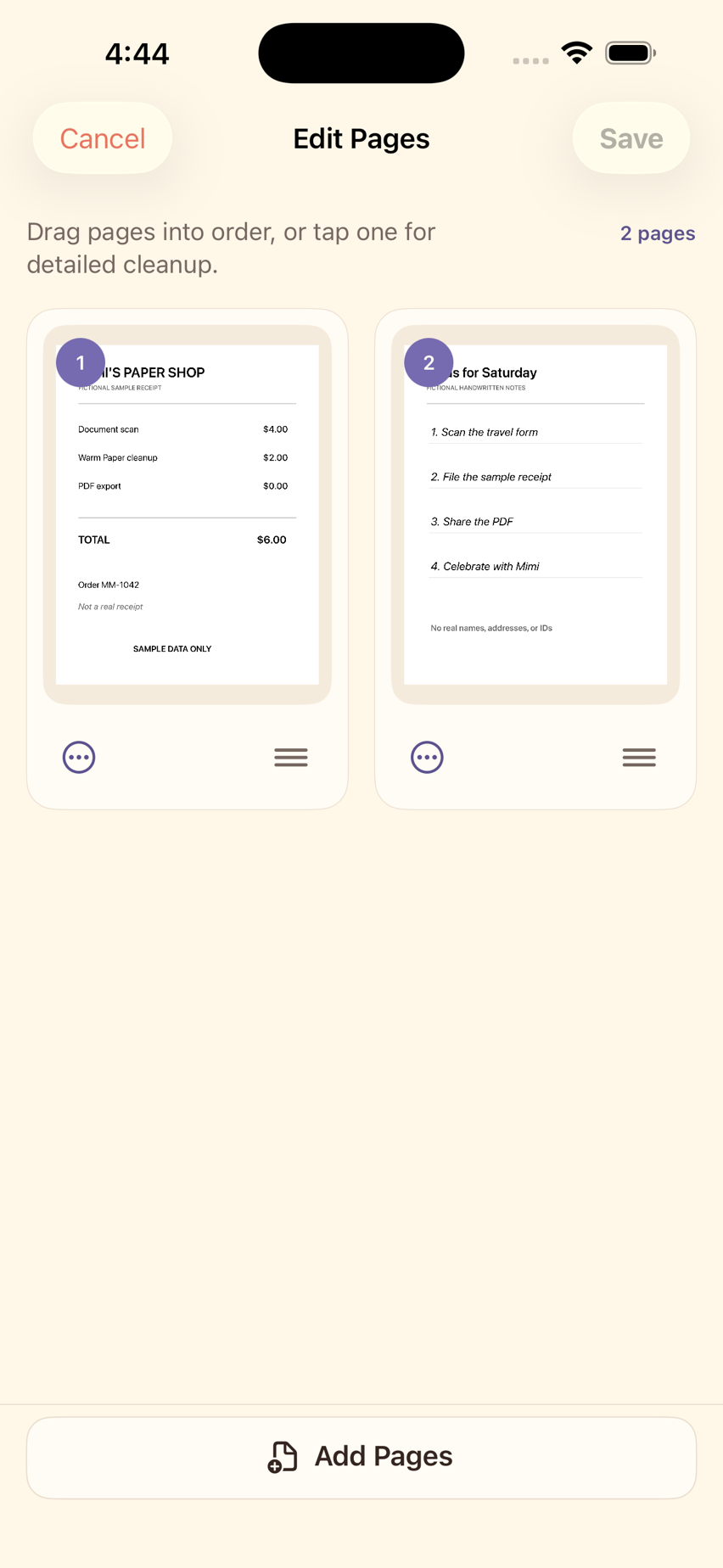
Reorder scans and correct printed or handwritten text on-device.
Find words and phrases in your documents.
Protect private documents with Face ID or Touch ID.
Export the right PDF for printing or sharing.
Questions, troubleshooting, or feedback.